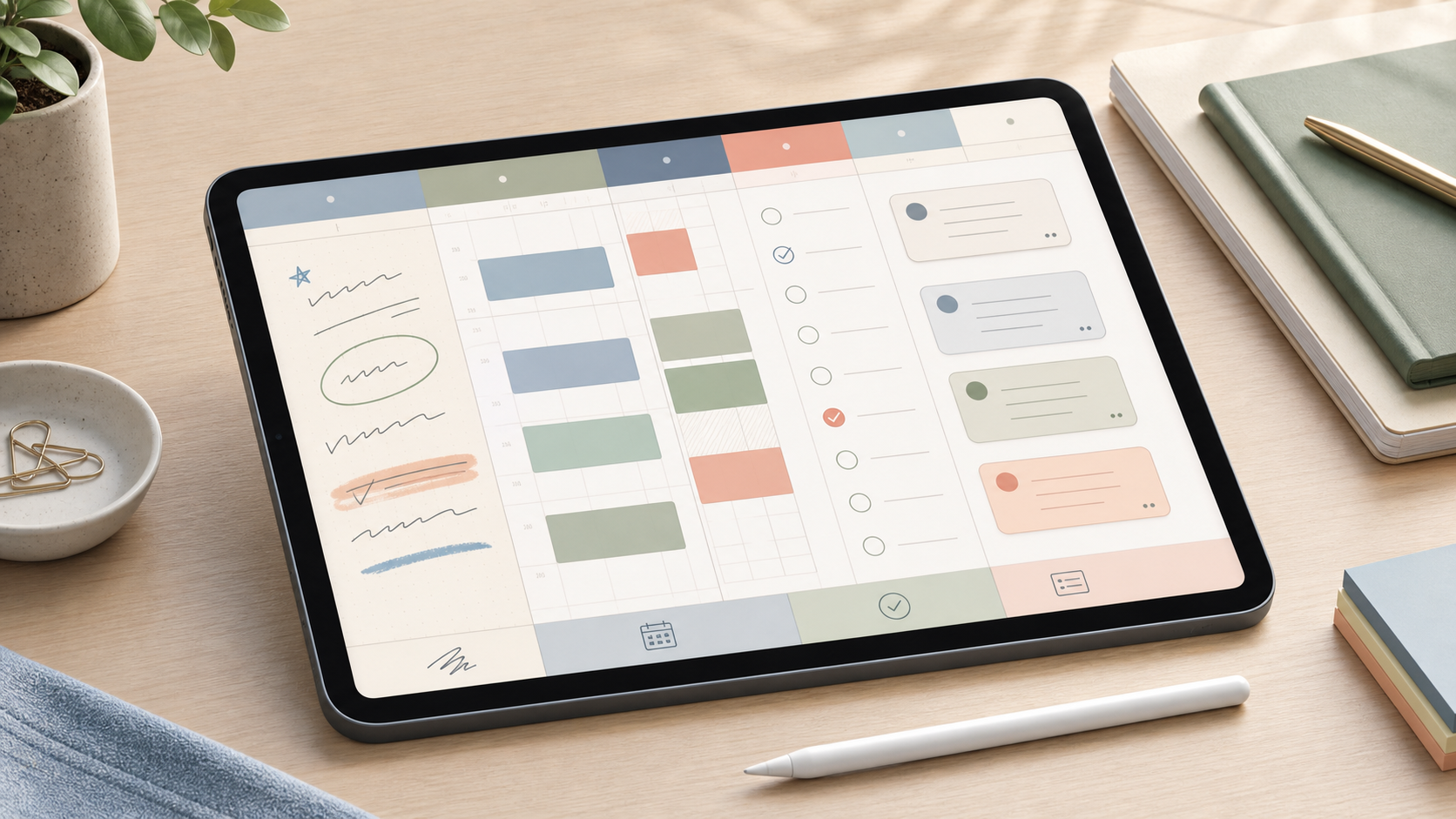
Quick recommendation
Choose the planner format before choosing a template or app:
- Pick a PDF handwriting planner if writing and visual page layout are the main value.
- Pick a calendar if appointments, time blocks and reminders drive the week.
- Pick a task manager if recurring actions, completion and priority matter most.
- Pick a database workspace if tasks must connect to projects, notes and shared workflows.
Trying to make one tool excel at all four jobs often creates a complicated system that is unpleasant to maintain.
No planner or app was supplied for hands-on testing. This guide compares documented capabilities and buying trade-offs using official sources reviewed July 5, 2026.
Four planner types compared
| Format | Best at | Weakest point | Typical cost |
|---|---|---|---|
| Hyperlinked PDF | Handwriting, visual layout, annotation | No native recurring tasks or reliable reminders | Template purchase plus annotation app |
| Calendar | Appointments, time blocking, notifications | Weak project context and completion history | Often free; paid workspace options vary |
| Task manager | Recurrence, priority, filters, completion | Less visual and reflective | Free tier or recurring subscription |
| Database workspace | Custom views, project relationships, collaboration | Setup and maintenance time | Free tier or per-member subscription |
PDF planners: buy the file and the app separately
A digital PDF planner is usually a hyperlinked document imported into an annotation app such as Goodnotes. The planner seller controls the page design; the annotation app controls handwriting, storage, search and export.
Goodnotes officially supports PDF imports. Its current free tier is limited, while paid plans expand notebooks and storage. Verify the exact platform plan because features differ across iOS, Android, Windows and web.
Before buying a PDF template, check:
- Monday or Sunday week start
- Dated versus undated pages
- Page size and portrait or landscape orientation
- Hyperlinks between year, month, week and notes
- Compatibility with the intended annotation app
- Whether updates are included
- Personal-use license and refund policy
- File size and duplicate-page workflow
A PDF planner generally cannot create system notifications merely because a time is written on a page. Keep appointments in a real calendar if missing them has consequences.
Calendar planners: strongest for time
Calendar tools are appropriate when the week is constrained by meetings, classes, care work and travel. They support start and end times, notifications, recurring events and shared availability.
Google Calendar data can be exported in iCalendar format, including recurrence information. Google Tasks also supports repeating tasks, but the official help notes limitations: shared tasks and subtasks cannot repeat, and recurring tasks cannot be moved between task lists.
A calendar becomes noisy when every idea is assigned an arbitrary time. Reserve it for commitments, preparation blocks and work that genuinely needs protected time.
Task managers: strongest for repeatable execution
Task managers distinguish incomplete and completed work and usually support recurrence, priority and filters. They are better than a PDF for bills, maintenance, medication reminders and routines, subject to the app’s safety and notification limits.
Before subscribing, test natural-language date entry, recurring-task behavior, offline capture, exports, calendar integration and what happens after downgrade. A low monthly price becomes a meaningful long-term cost when the system is difficult to leave.
Database workspaces: strongest for connected planning
Notion calendars visualize database entries that contain a date property. Official documentation shows that a calendar can be displayed by week, filtered, sorted and connected to Notion Calendar.
This works well when a task also needs project, status, owner, source and notes. It is unnecessary overhead when the weekly plan is only ten checkboxes and three appointments.
Database planners should have a small set of stable properties. Rebuilding dashboards every month is maintenance, not planning.
Offline and sync questions
Ask what must work with no connection:
- Can a new task or handwritten note be captured?
- Are the current and next weeks already downloaded?
- What happens when two devices edit the same item?
- Are attachments available offline?
- Is there a visible sync status?
PDF annotation apps, cloud calendars and database workspaces handle these questions differently. Test airplane mode before committing to a template library.
Export and cancellation
Goodnotes can export documents as PDF, images or its native document format on supported platforms. PDF preserves appearance but may not preserve editable handwriting or app-specific structure.
Google Calendar exports standard calendar data. Notion exports pages and databases in several formats, but reconstructing the original workspace is not automatic. A planner’s exit quality matters because it contains appointments, reflections and completed-work history.
Total-cost checklist
Calculate all required purchases:
- Template price
- Annotation or planner-app subscription
- Cloud storage
- Stylus or tablet hardware
- Paid calendar or task features
- Renewal price after promotions
A beautiful $10 template can require a much more expensive app and device. Conversely, a free app may impose a recurring maintenance cost through weak exports or excessive setup.
Who should buy what?
Choose a PDF planner if handwriting itself helps you think and reminders live elsewhere. Choose a calendar if the week is primarily time commitments. Choose a task manager if recurring responsibilities dominate. Choose a database if planning must connect multiple people, projects and reference material.
Many people need only two layers: calendar for hard commitments and a short task list for flexible work. Add a reflective PDF or database only when it solves a specific gap.
Seven-day trial
- Enter one real week, including recurring and unscheduled work.
- Use the system on every required device.
- Test one offline period.
- Reschedule three items.
- Complete and review recurring tasks.
- Export the week.
- Count the minutes spent maintaining the planner.
Final verdict
Buy the least complex planner that preserves commitments and makes the next action visible. PDF planners are excellent writing surfaces, not reminder engines. Calendars protect time, task managers track execution, and databases connect context. A clear division of labor is usually more reliable than an elaborate all-in-one template.
Sources and methodology
- Goodnotes pricing
- Goodnotes import documentation
- Goodnotes export documentation
- Google recurring task documentation
- Google Calendar data export
- Notion calendar views
GameFunns did not test a paid planner or template. Prices, licenses and platform features should be verified immediately before purchase.